






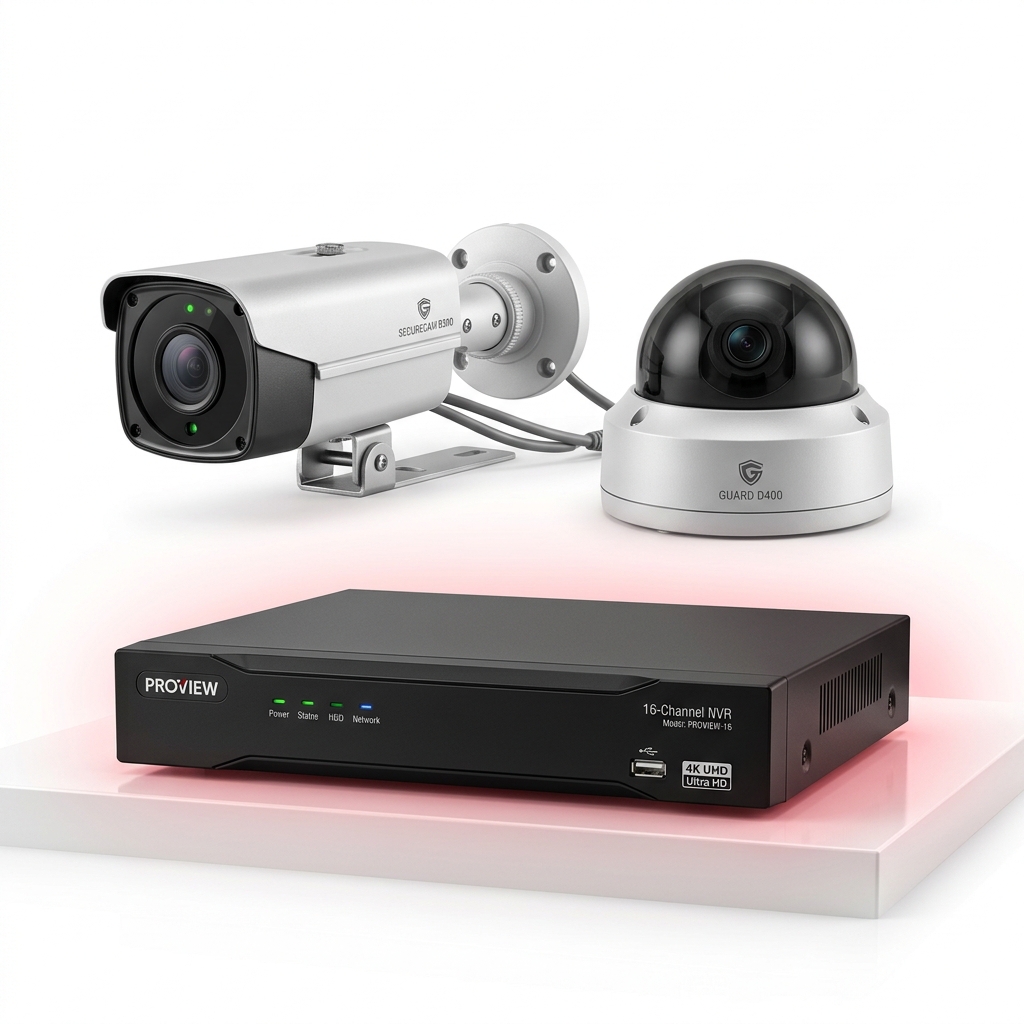
One of the most common complaints we hear is: "The incident happened last week, but the footage is already gone." That happens when the hard disk is too small for the number of cameras. Here's how to size storage properly.
What decides how much storage you need
- Number of cameras — storage scales directly with camera count.
- Resolution — 4MP and 8MP cameras produce much more data than 2MP.
- Compression — H.265 / H.265+ uses significantly less space than the older H.264 for similar quality.
- Bitrate and frame rate — set on the recorder; higher means smoother but larger footage.
- Recording mode — continuous 24×7 recording vs motion-only recording.
- Scene activity — busy roads and shops generate more data than a quiet corridor.
A simple formula
Storage per day (GB) ≈ bitrate (Mbps) × 10.8, per camera. Multiply by the number of cameras and the number of days you want to keep.
For example, 8 cameras each recording at 2 Mbps for 30 days: 2 × 10.8 × 8 × 30 ≈ 5,184 GB, so a 6TB disk would be the right choice.
Ways to keep footage longer without a bigger disk
- Enable H.265+ (or the brand's equivalent smart codec) on all cameras.
- Use motion-based recording on low-activity cameras such as stores and back areas.
- Lower the frame rate slightly on cameras where smooth motion isn't critical.
- Add a second hard disk — most 8 and 16-channel recorders have two or more bays.
Always use a surveillance-grade hard disk
CCTV recorders write data 24 hours a day. Desktop hard disks aren't designed for this and fail much sooner. Surveillance drives such as Seagate SkyHawk and WD Purple are built for continuous recording and multiple camera streams.
Planning a new system? Our CCTV installation cost guide explains how storage fits into the overall budget.
Frequently Asked Questions
How many days of recording does a 1TB hard disk give?
It depends on cameras and settings. As a rough guide, four 2MP cameras on H.265 recording 24×7 at 1–2 Mbps each fit roughly 10–25 days on 1TB. Your installer can calculate the exact figure from the recorder's bitrate.
What happens when the CCTV hard disk is full?
By default, recorders overwrite the oldest footage automatically, so recording never stops — you simply keep a fixed number of days.
Can I back up important CCTV footage?
Yes. You can export clips to a USB drive from the recorder, or download them from the mobile app or PC software.
Get expert advice for your site
Tell us what you need and our technician will call you back with recommendations and a free quote.